
Changes Settings
If specific features of Zoom make you feel anxious or uncomfortable, change the settings to see whether it works for you. Some common options may include:
– Use a virtual background to make your virtual meeting more enjoyable. Zoom provides many options in different themes, from beautiful beaches to forests.
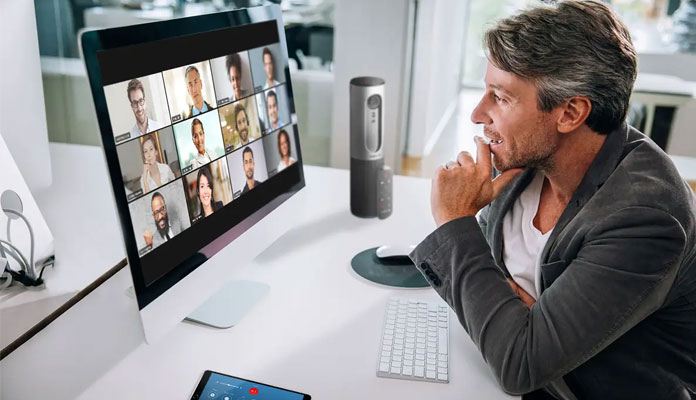
– Switch to “speaker only” to focus only on one colleague at a time. This would help reduce the anxiety and stress to follow so many people at the same time.
– Turn off the camera and go audio-only. This is important when you feel under a lot of stress when being in front of so many people. Without the camera, a virtual meeting may be similar to a normal phone call.
– Reduce the mirror by selecting the “Hide Self View” setting in Zoom. This setting reduces your own screen and makes the reflection less visible. As a result, you may have a more realistic interaction without seeing yourself on the screen during a meeting. [5]